Tomodachi Life Pixel Art Maker
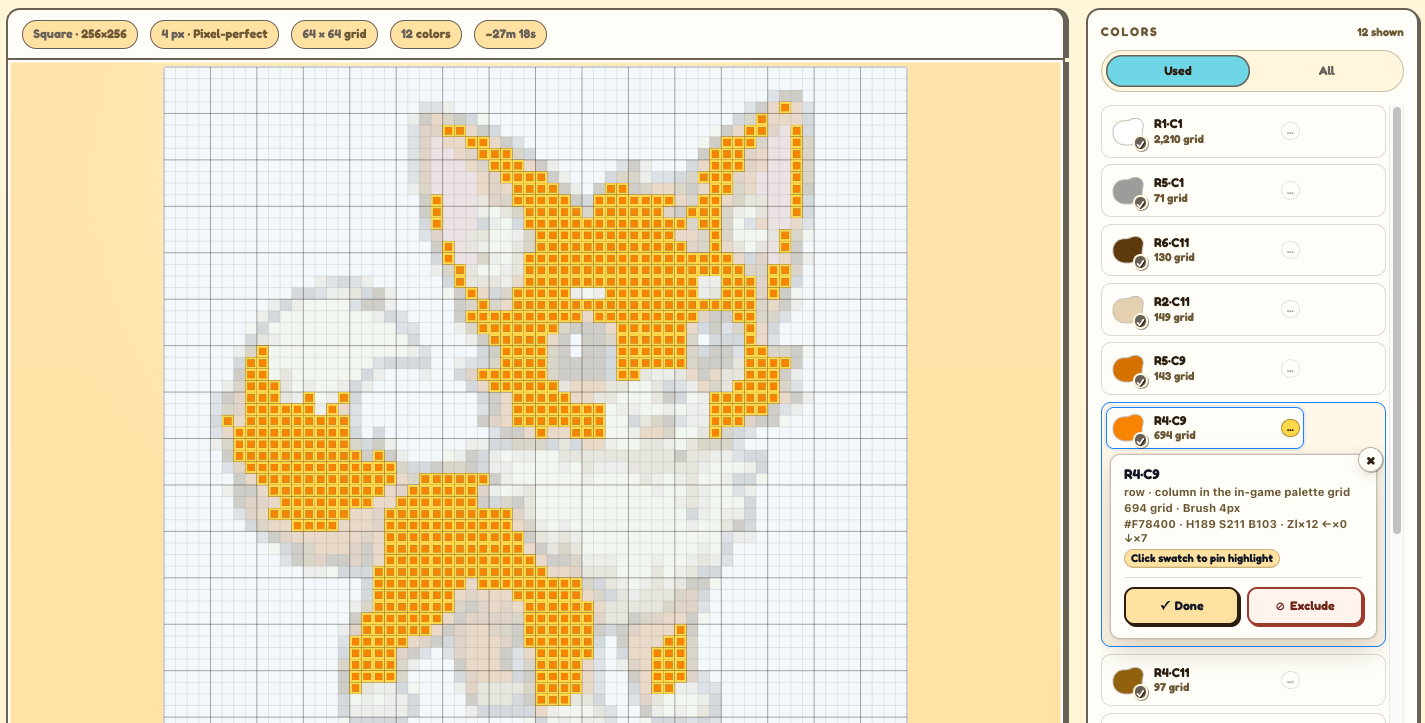
Use this Tomodachi Life Pixel Art Maker to convert any image into a game-palette grid, color labels, and a friendly Tomodachi Life pixel art guide.
- Game palette84 swatches matched to the Tomodachi Life color picker.
- Grid setupUse Tomodachi Life grid maker settings to choose canvas shape and brush size before you paint.
- Find a colorHover a swatch to preview each Tomodachi pixel art color group.
How does the Tomodachi Life Pixel Art Maker work with the game?
A practical map between the Palette House work you do in-game and the reference grid Tomo Pixel Art creates in your browser. It works as a Tomodachi Life pixel art converter and guide: it prepares a plan; it does not import files, edit saves, or connect to Nintendo systems.
Start with a matching canvas shape
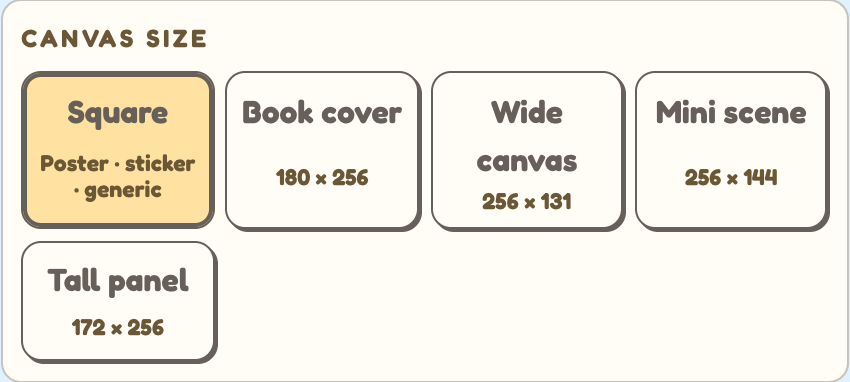
Use Square for a 256 x 256 drawing area, or pick another preset when you need a book-cover, wide, mini, or tall reference. The canvas setting shapes the Tomodachi Life grid you follow by hand.
Brush size decides how many cells you copy
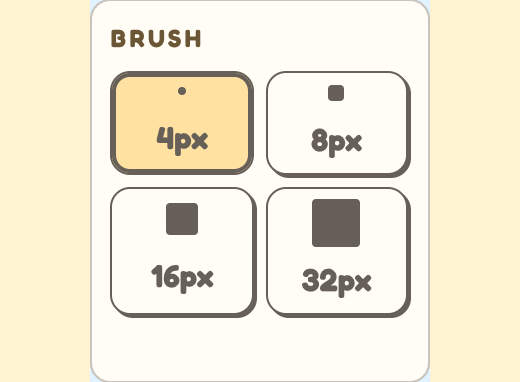
Brush size controls the image to pixel art reference resolution: smaller brush sizes create more cells and more detail, while larger brush sizes make a chunkier plan that is faster to copy.
Use the grid and palette list as a counting aid
The generated artboard gives you a Tomodachi Life image to pixel art reference with cells and landmarks to count, while the Colors list keeps row/column labels, shade hints, and color totals in one place. Paint one color group at a time in Palette House, then return to Tomo whenever you need to confirm the next square.